Photos × Dimensions
Add dimensions to photos. Nothing more complicated.
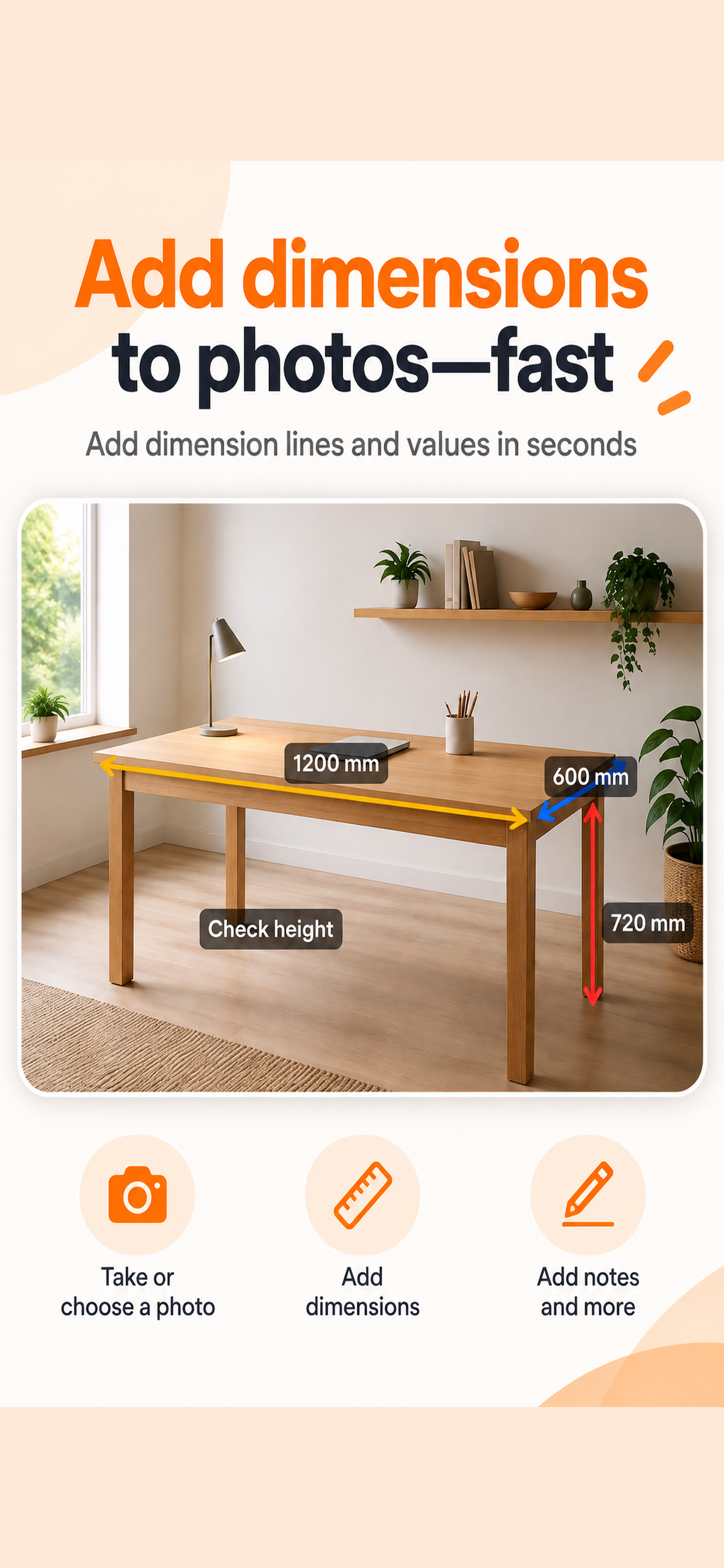
Keep the measurements you actually took right on the photo. Dim Note is a focused iPhone app for DIY, furniture, equipment and field documentation.
Not an automatic photo-measuring appRecord real measured values clearly on photosNo account required
LIVE DEMO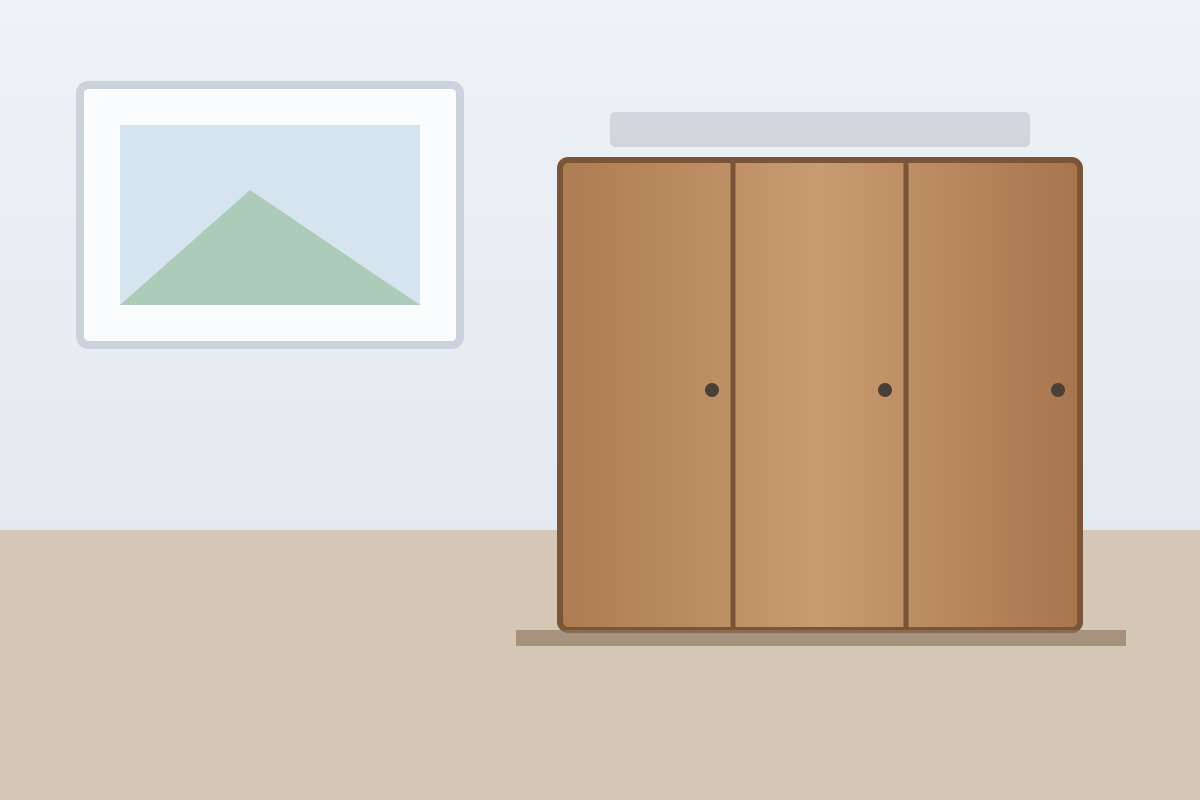
Try Dim Note in your browser
Drag across the sample photo to draw a dimension line.
1. Drag on the photo
1200 mm
That is the idea — keep measurements directly on your own photos.
Only the tools you need
Dimension lines
Drag a line, then enter the value and unit.
Text notes
Add names, warnings or small reminders directly to the photo.
Edit later
Your work can be saved and continued later.
Undo / Redo
Correct mistakes immediately without starting over.
A simpler way to annotate photos with measurements
When you need to add measurements to a photo, a full image editor can be overkill. Dim Note focuses on one workflow: choose a photo, draw a dimension line, and enter the value you measured. It does not estimate real-world length from the image; it helps you record accurate measurements you already took.